
Generally faster attack
Source-labeled controls overview
Avatar Legends: The Fighting Game Controls Guide
Review the high-level A, B, C, and Flow button framework shown in cited materials, then check the game’s current settings for your exact build and device. Pre-release demonstrations remain clearly separated from current Steam information.
A/B/C/Flow overview, current keyboard limits, and setup boundaries.
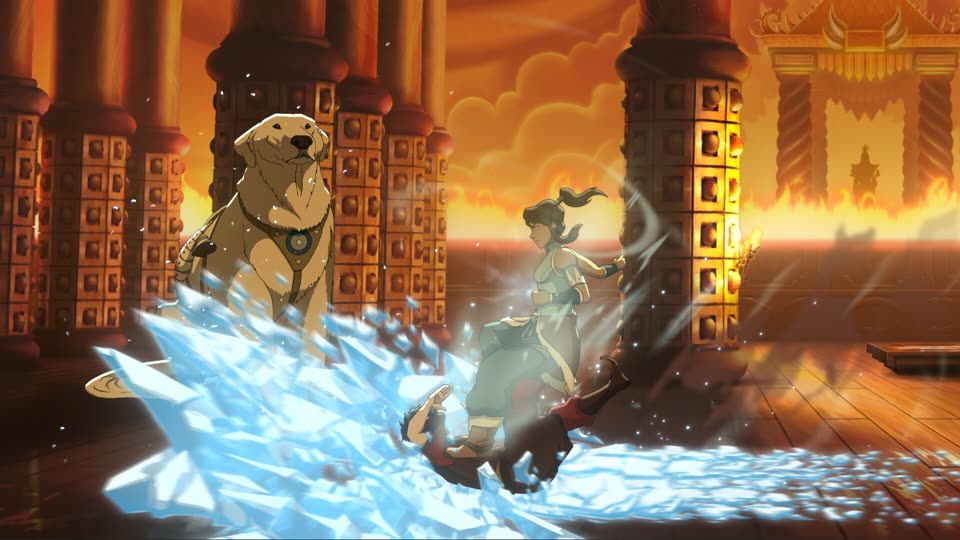
The high-level button framework
A pre-release controls overview presents three attack buttons—A, B, and C—plus a dedicated Flow button. In that material, A is presented as the lighter and generally faster attack, B as a stronger medium option with more reach, and C as the heavy attack.
Stronger option with more reach
Heavy attack
Dash, evade, and outmaneuver
Status: Pre-release source. Current-build behavior has not been independently confirmed. Do not treat these short descriptions as a character command list or a promise that every move follows the same pattern.
The current Steam store description supports only a broader point: Flow is used to dash, evade, and outmaneuver opponents. Older demonstrations contain more detailed Flow behavior, but those details remain pre-release and are not restated here as launch-build fact.
Keyboard mapping at launch
A launch-edition Steam news item lists Keyboard Mapping among the features prioritized for upcoming patches. That source does not provide a current, exhaustive keyboard action map.
Current community sources also report that movement keys may not be rebindable in game on the setups discussed. A Steam Community guide describes a manual WASD configuration workaround. That method is covered separately with backup and restore safeguards.
Follow the WASD Workaround →Controller, keyboard, and rebinding boundaries
Control behavior can differ by platform, device, Steam Input configuration, and game version. Use the game’s current settings screen as the primary reference for your setup.
- The available public sources do not provide one exhaustive current keyboard and controller action table.
- Steam’s full-controller-support category does not prove compatibility with every fight stick, leverless device, adapter, or custom profile.
- Pre-release material does not establish current Simple, Classic, Modern, Motion, or Auto Combo behavior.
- Character-specific moves, resources, counters, and Flow interactions require current-build evidence before they can be treated as reference data.
Check the current PC and controller requirements for Steam’s official platform fields, then confirm the bindings shown in your own game.
A cautious setup check
- Open the game's current control settings first.
- Confirm what your own build and device actually display.
- If you only need movement on W, A, S, and D, read the backup steps before editing a local file.
- After any change, reopen the game and verify each direction before entering a match.
- If behavior differs from this guide, restore your backup and rely on the game's own defaults.
Source and status
Official/current source: Steam post-unlock store and launch-edition news for release state, high-level Flow wording, and Keyboard Mapping patch priority.
Pre-release source: Controls overview for the A/B/C/Flow framework.
Current player report: Movement-rebind limitations discussed by current players.
Last checked: July 24, 2026 at 00:35:55 UTC.
Build/version: Not identified in available public sources.
Last checked July 24, 2026 at 00:35:55 UTC. Recheck after a Keyboard Mapping update.
FAQ
Where can I check the current control settings?
Start with the game’s current settings screen for your own build and device. This page adds a source-labeled overview of the A, B, C, and Flow framework, while the separate WASD guide covers one cautious community workaround.
What do A, B, and C mean?
A pre-release controls overview presents A as the lighter and generally faster attack, B as a stronger medium option with more reach, and C as the heavy attack. Current-build behavior has not been independently confirmed.
Is Keyboard Mapping available in the launch build?
A launch-edition Steam news item lists Keyboard Mapping as a priority for upcoming patches. The cited public source does not provide an exhaustive current keyboard map.
Does the site support every controller, keyboard, leverless, or arcade stick?
No broad compatibility claim is made. Device and platform behavior can vary, and the current evidence does not cover every setup.
Next step
Use the beginner route to turn these four control cues into one focused first session, or set up WASD carefully when movement mapping is the immediate problem.