
Listen for the success cue
The Steam guide reports a sound effect after the sequence and says the related unlock achievement should appear.
Community-reported shortcut · checked July 27, 2026
Community sources describe a four-step main-menu sequence that can unlock Avatar Aang and Nightmare Korra without completing the regular Story Mode path first. Use the command your game identifies as Select, keep the inputs close together, and treat the method as version- and device-sensitive.
Four Select inputs · under two seconds apart · device and patch limits apply.
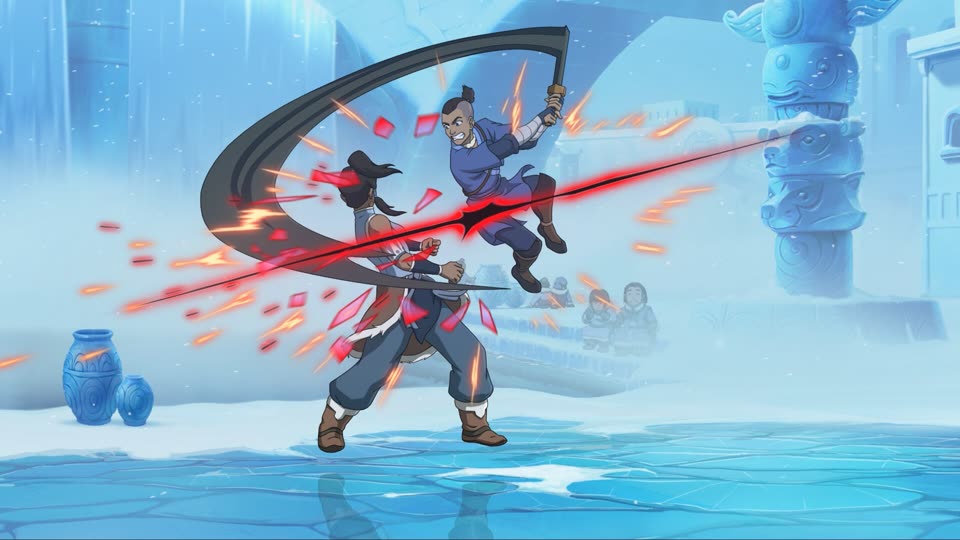
The cited sources report that a successful sequence unlocks Avatar Aang and Nightmare Korra. Community sources name both characters; this page did not find a matching publisher or developer confirmation.
Start from the main mode menu. Use the command that your current setup labels as Select; do not assume that another player’s physical button matches your device.
The Steam discussion adds that there should be less than two seconds between each input. If a mode opens instead of the sequence continuing, return to the main mode menu and check which command your setup identifies as Select.
The Steam guide reports a sound effect after the sequence and says the related unlock achievement should appear.
Return to Character Select and look for Avatar Aang and Nightmare Korra. A source report is not a substitute for checking your own current build.
The community guide describes the characters as Story Mode unlocks. Use the current Story objectives and completion prompts when you prefer the normal progression path.
Use Arcade → Training → Local VS → Arcade when you want to try the reported shortcut.
This walkthrough does not ask you to edit a save, download a file, run a script, or modify the game. For general control and device caveats, see the controls guide. For unrelated Trial-input reports, use the Combo Trials status page.
Last checked July 27, 2026. Recheck after any game update or input-mapping change.
Community sources describe a four-position main-menu sequence: highlight Arcade, Training, Local VS, and Arcade again, pressing the command labeled Select on each item. A Steam discussion adds that the inputs should be less than two seconds apart.
The cited Steam guide and discussion report that the sequence unlocks Avatar Aang and Nightmare Korra. Community sources name both characters; this page did not find a matching publisher or developer confirmation.
Use the command your current game and device identify as Select. The public reports do not establish one physical Select button for every controller, keyboard, fight stick, leverless device, or platform.
Check the order, start from the main mode menu, and keep each input less than two seconds apart. Some discussion participants report that the shortcut did not register on their setup, and a later patch may change or remove the behavior.
The community guide describes the shortcut as an alternative for players who do not want to complete Story Mode first. The exact regular Story Mode requirements were not independently captured for this page, so no chapter or completion condition is stated here.
After the reported unlocks appear, start the first-session route with one character or check the full roster.